
Environment Reproducibility
Last updated on 2026-08-27 | Edit this page
Overview
Questions
- How do I ensure my research is reproducible?
- What should I document about my software environment?
- How do I pin package versions?
Objectives
- Write job scripts that explicitly load modules and environments
- Document software choices in version-controlled files
- Pin package versions for long-term reproducibility
- Create a complete, reproducible project structure
Always Be Explicit in Job Scripts
Explicit is Better Than Implicit
Never rely on your login environment in batch jobs. Always load modules and activate environments explicitly. This ensures reproducibility and prevents mysterious failures when the default environment changes.
The solution
BASH
#!/bin/bash
#SBATCH --job-name=myanalysis
#SBATCH --time=02:00:00
#SBATCH --cpus-per-task=8
#SBATCH --mem=32G

# ALWAYS start clean
module purge

# ALWAYS load specific versions
module load r/4.5.1
module load miniconda3/py313_26.3.2-2

# ALWAYS activate environments explicitly
conda activate myanalysis

Rscript analysis.R
python postprocess.py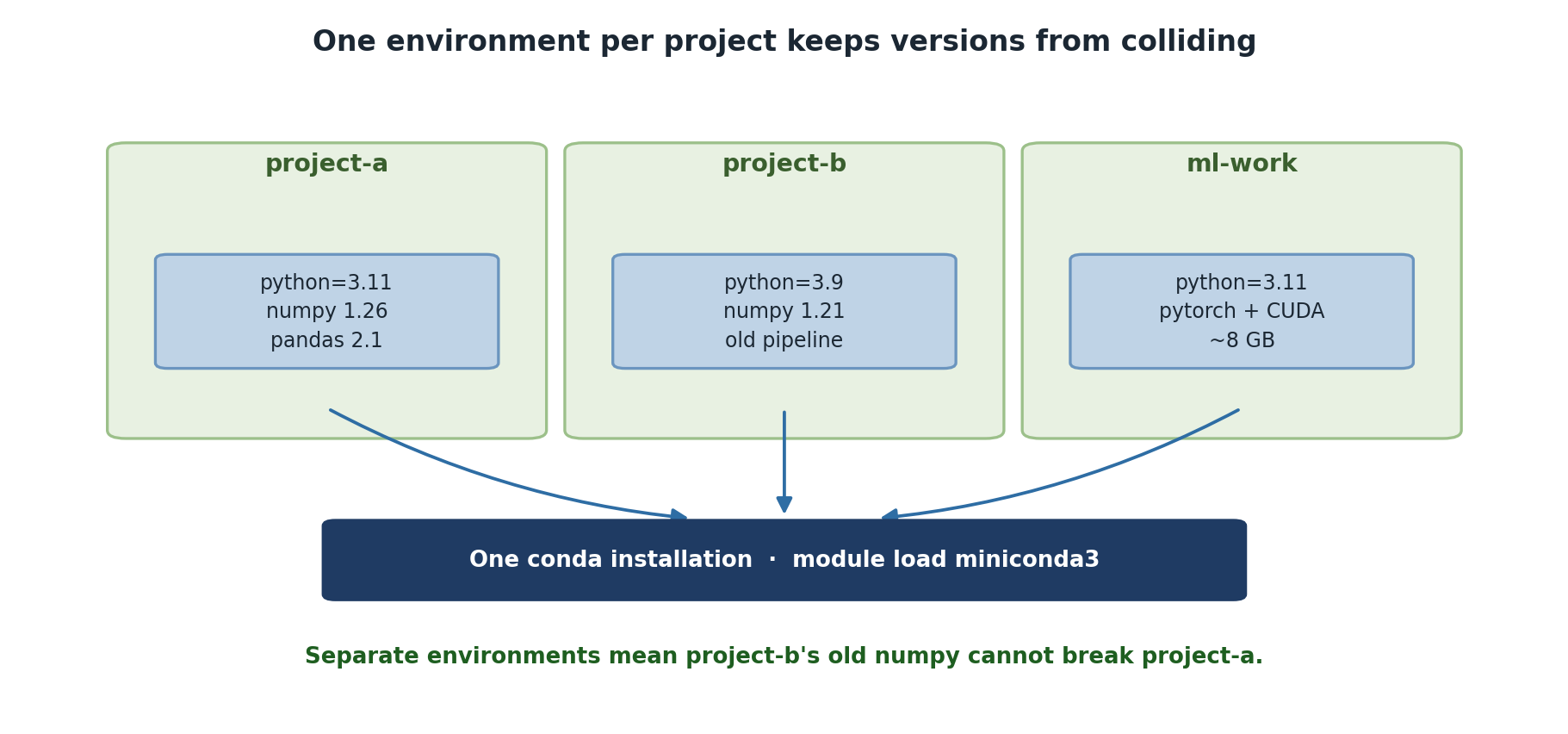
Pin Versions for Reproducibility
Dynamic vs. pinned environment.yml
Bad (unpinned):
When you recreate this in 6 months, you get newer versions, possibly breaking your code.
Good (pinned):
YAML
name: myanalysis
channels:
  - defaults
dependencies:
  - python=3.10.8
  - numpy=1.24.3
  - scipy=1.10.1
  - pandas=1.5.3
Now conda env create -f environment.yml gives the exact
same environment regardless of when it’s run.
Document Your Environment
Recommended Project Structure
~/projects/
  genomics_2024/
    environment.yml
    data/
    scripts/
    results/
  deeplearning_2024/
    environment.yml
    notebooks/
    models/
Each project has its own environment.yml and conda
environment.
Challenge 1: Create a Reproducible Job Script
Create a bash script called final_job.sh that:
- Starts with
module purgefor a clean state - Loads r/4.5.1 and miniconda3
- Activates a conda environment
- Runs
python --versionandconda env list - Includes comments explaining each step
BASH
$ cat > final_job.sh << 'EOF'
#!/bin/bash
#SBATCH --job-name=reproducible_test
#SBATCH --time=00:10:00

# Clean environment to avoid conflicts
module purge

# Load R at a pinned version
module load r/4.5.1

# Load Python via miniconda3
module load miniconda3

# Activate our conda environment
conda activate myproject

# Verify the environment
echo "Python version:"
python --version
echo "Conda environments available:"
conda env list
EOF

$ chmod +x final_job.shThe script demonstrates the key reproducibility practices:
- Starting with
module purgefor clean state - Loading specific module versions (not defaults)
- Explicit conda environment activation
- Verification commands to prove setup worked
This is the minimal reproducible template for any Sagehen HPC job.
Challenge 2: Document Your Environment
Create an environment.yml file for a hypothetical
“climate_analysis” project that needs Python 3.10, numpy, pandas,
matplotlib, and netcdf4. Use exact version pinning.
A typical environment.yml:
YAML
name: climate_analysis
channels:
  - defaults
dependencies:
  - python=3.10.8
  - numpy=1.24.3
  - pandas=1.5.3
  - matplotlib=3.7.1
  - netcdf4=1.6.2
  - (many transitive dependencies)
Commit to git:
BASH
$ git add environment.yml
$ git commit -m "Add climate_analysis conda environment specification"
The key is that exact versions and all transitive dependencies are included, making it fully reproducible.
- Always load modules and activate environments explicitly in job scripts
- Start job scripts with
module purgefor a clean environment - Pin package versions in environment.yml for reproducibility
- Document software choices in version control
- Create one environment per project with its own environment.yml
- Update pinned files carefully and commit changes to git