
Introduction to GPU Computing
Last updated on 2026-08-27 | Edit this page
Estimated time: 20 minutes
Overview
Questions
- What are GPUs and why use them?
- When is GPU acceleration beneficial?
- What workloads suit GPU computing?
- How do GPUs differ from CPUs?
Objectives
- Understand GPU architecture and benefits
- Identify GPU-suitable workloads
- Know when to use GPUs vs CPUs
- Understand cost-benefit tradeoffs
What is a GPU?
GPUs (Graphics Processing Units) are specialized processors optimized for: - Parallel computation (thousands of threads simultaneously) - High memory bandwidth (fast data access) - Matrix operations and tensor computations - Deep learning and machine learning
Sagehen HPC GPU Hardware
Sagehen has 10 GPUs across multiple nodes (confirmed May 2026): 4× A100 (80 GB), 4× L40S (48 GB), 2× RTX PRO 6000 Blackwell (96 GB). For full hardware breakdown see README.md or Workshop 16 episode 02.
Node Configuration
- NVIDIA A100 (×4): 80 GB HBM2e memory (highest performance)
- NVIDIA L40S (×4): 48 GB GDDR6 memory (deep learning optimized)
- NVIDIA RTX PRO 6000 Blackwell (×2): 96 GB GDDR7 ECC memory (the largest GPU memory on Sagehen)
10 GPUs available across the cluster
GPU Specifications
| GPU | Memory | Performance | Quantity | Best For |
|---|---|---|---|---|
| A100 | 80 GB | Highest | 4 | Large models |
| L40S | 48 GB | Very High | 4 | Deep learning |
| RTX PRO 6000 | 96 GB ECC | Very High | 2 | Largest-memory models / ECC workloads |
Choosing the Right GPU
- Training the largest models (>80 GB): RTX PRO 6000 (96 GB) — the largest memory on Sagehen
- Large models (48–80 GB): A100 80 GB or RTX PRO 6000
- Deep learning research (up to 48 GB): L40S 48 GB
- Standard ML: L40S 48 GB
- ECC memory needed: RTX PRO 6000
- Cost-conscious / prototyping: L40S — the least contended of the three, so it is the sensible default for iterating
GPU-Suitable Workloads
Ideal for GPU
- Deep learning (training neural networks)
- Scientific simulations
- Image and video processing
- Matrix operations
- Data analytics at scale
- Physics simulations
- Climate modeling
GPU Programming Models
CUDA (NVIDIA)
- Native NVIDIA programming
- Highest performance
- Requires C/C++ knowledge
- Not for beginners
Getting Started with GPU on Sagehen HPC
Three Steps
- Request GPU in job submission:
--gres=gpu:1 - Activate your GPU-enabled conda environment:
module load miniconda3 && conda activate pytorch_env(no pytorch module exists) - Use framework normally; GPU automatically used
More details in subsequent episodes.
Before Requesting GPU Time
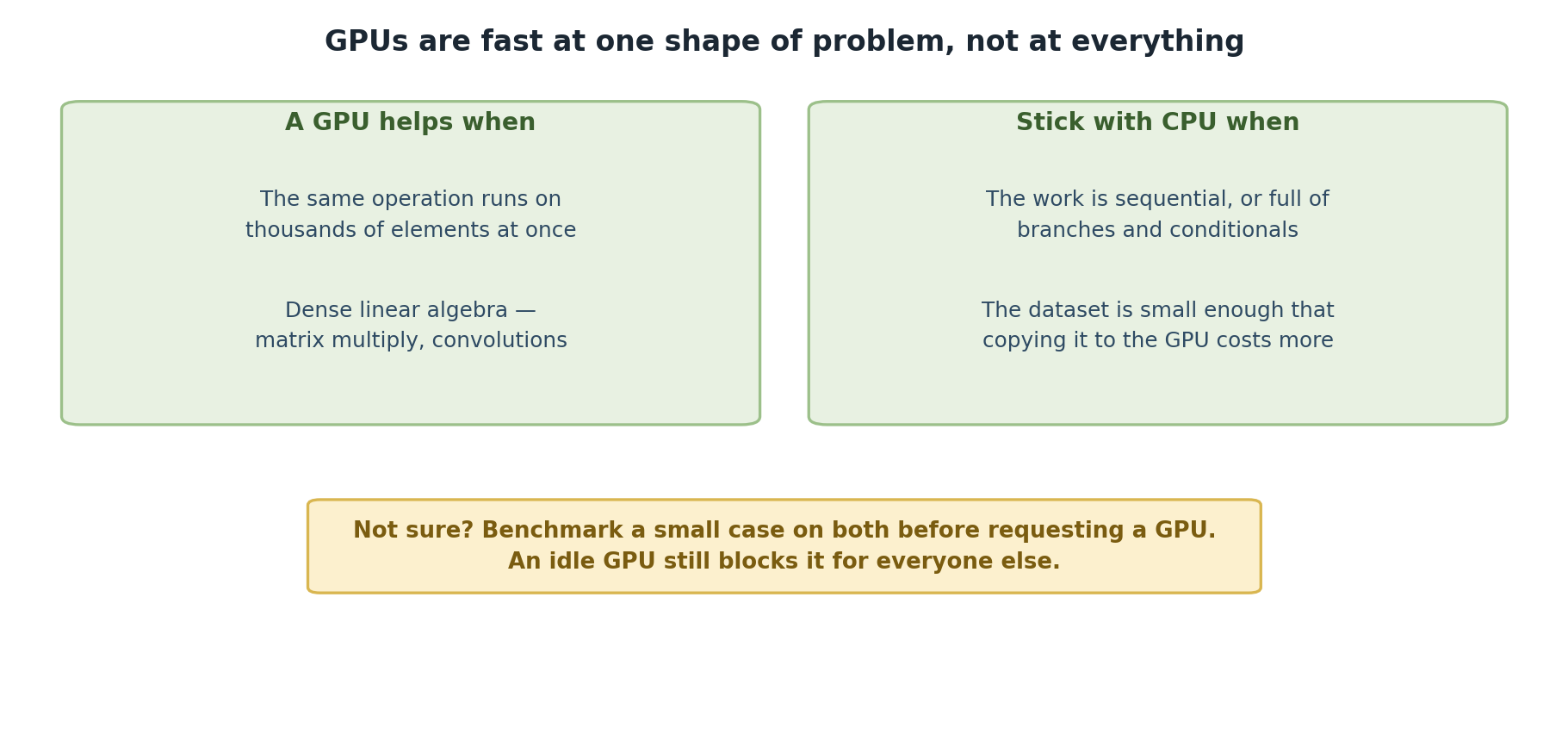
GPU time is expensive and limited. Always: 1. Test on CPU first with small data 2. Verify your code works before GPU submission 3. Estimate GPU benefits for your workload 4. Check if GPU will help (not all code benefits equally)
This saves GPU allocation for researchers who truly need it.
Challenge: GPU or CPU?
For each of the following computational tasks, decide whether it is better suited for GPU or CPU execution. Briefly explain your reasoning.
- Multiplying two 10,000 x 10,000 matrices
- Parsing a 500 MB CSV file line by line
- Training a convolutional neural network on 1 million images
- Sorting a list of 100 integers
- Applying a 3x3 convolution filter across a 4K image
- Performing a recursive depth-first search on a tree with complex branching logic
Matrix multiplication – GPU. Matrix multiplication is a massively parallel operation (each output element is an independent dot product). GPUs with thousands of cores handle this 10-100x faster than CPUs.
CSV parsing – CPU. Line-by-line file parsing is inherently sequential with complex string logic and branching. GPUs provide no benefit here.
CNN training – GPU. Neural network training involves repeated matrix multiplications, convolutions, and gradient computations across large batches – exactly what GPUs excel at (20-50x speedup).
Sorting 100 integers – CPU. The dataset is tiny. The overhead of transferring data to the GPU would exceed any computational benefit. A CPU sorts this in microseconds.
Image convolution – GPU. Convolution applies the same operation independently to every pixel neighborhood – a textbook data-parallel workload ideal for GPU.
Recursive tree search – CPU. Recursive algorithms with irregular branching and random memory access patterns map poorly to GPU architecture. CPUs handle complex control flow far more efficiently.
- GPUs excel at parallel computation for thousands of operations
- Sagehen has 10 GPUs across three types: A100, L40S, and RTX PRO 6000
- Deep learning, simulations, and data processing benefit most
- Framework libraries (PyTorch, TensorFlow) handle GPU automatically
- Not all workloads benefit; profile before investing GPU time