
Why Machine Learning on HPC?
Last updated on 2026-08-27 | Edit this page
Estimated time: 15 minutes
Overview
Questions
- When do you need HPC for machine learning?
- What problems require cluster computing?
- What are the advantages and tradeoffs of HPC for ML?
Objectives
- Understand when HPC is necessary for ML
- Identify machine learning bottlenecks that HPC solves
- Evaluate whether a project benefits from HPC resources
The Machine Learning Bottleneck
Machine learning practitioners often run into walls where their laptop simply cannot do the work:
- A neural network training takes 3 weeks instead of 3 days
- A hyperparameter search would take 6 months of serial processing
- A dataset is too large to fit in RAM
- Multiple team members need to train models simultaneously
These bottlenecks are not performance annoyances; they’re project stoppers. This is where HPC becomes essential.
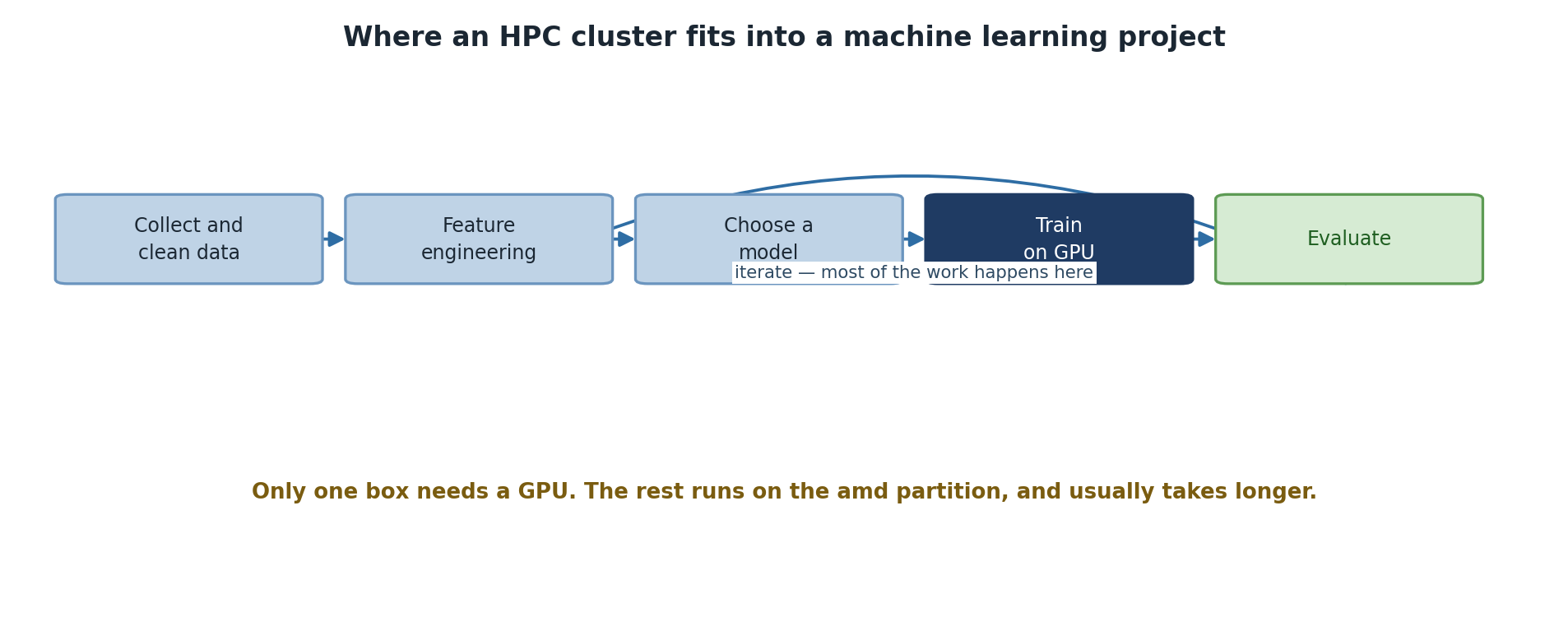
When HPC is Necessary
Scenario 1: Large Datasets
Data size directly impacts both training time and memory requirements:
- < 1 GB: Laptop sufficient (fits in RAM)
- 1-10 GB: Laptop slow but workable (disk I/O becomes bottleneck)
- 10-100 GB: Needs HPC cluster storage (/bigdata or /scratch)
- 100 GB - 1 TB: Requires distributed preprocessing (Dask, Spark)
- > 1 TB: Distributed storage and streaming processing mandatory
Example: Image classification with ImageNet (150 GB) - Laptop: Weeks of training (slow disk I/O, CPU bottleneck) - Sagehen HPC GPU: 1-3 days (parallel I/O, GPU acceleration)
Scenario 2: Long Training Times
- Simple models (< 1M parameters), small data: Minutes to hours. Laptop is fine.
- Medium models (1-100M parameters), moderate data: 4-48 hours. HPC GPU saves 10-20x time.
- Large models (> 100M parameters), large datasets: Days to weeks on CPU, hours to days on GPU. HPC is mandatory.
Time scaling example: ResNet-50 on ImageNet
Laptop (CPU):        7-10 days
Sagehen single A100: 12-18 hours
Sagehen 4 A100s:     3-5 hours (4x parallelism)
Scenario 3: Hyperparameter Optimization
Hyperparameter search requires training many models. This is where HPC shines:
-
Grid search: 100 combinations, each taking 10 hours
- Serial on laptop: 42 days
- Parallel on Sagehen (using 4 A100s out of 10 total GPUs): 25 hours
-
Bayesian optimization: 50 iterations, each training
multiple candidates
- Serial on laptop: 21 days
- Parallel on Sagehen: 4-5 days
Cost-Benefit Analysis
Should I use Sagehen for this project?
YES if:
✓ Training takes > 4 hours on laptop
✓ Dataset > 10 GB
✓ Hyperparameter sweep needed
✓ Team sharing resources
✓ Code is already written

NO if:
✗ Training < 30 minutes
✗ Exploring model architecture (too slow to iterate with job queue)
✗ Learning to code (laptop is faster feedback)
✗ One-off experiments
Challenge
Scenario Analysis: Is HPC Worth It?
You have three ML projects: 1. Project A: Fine-tuning a pre-trained BERT model on 5 GB of text. Estimated training: 8 hours on CPU. 2. Project B: Random forest with scikit-learn on 2 GB dataset. Training: 15 minutes on CPU. 3. Project C: 3D CNN for medical imaging. Dataset: 50 GB. Estimated training on CPU: 2 weeks.
For each, decide: Does it benefit from HPC? Should you use GPU or CPU nodes?
Project A: YES, use HPC GPU. 8 hours on CPU becomes ~30 minutes on A100. Fine-tuning benefits from CUDA.
Project B: NO, use laptop. 15 minutes is already fast. Random forest doesn’t parallelize efficiently on GPU.
Project C: ABSOLUTELY YES, use multi-GPU. 2 weeks on CPU is prohibitive. 3D convolutions are GPU-friendly. Multi-GPU gets it to 1-2 days.
- HPC becomes essential when training takes > 4 hours or datasets exceed 10 GB
- Hyperparameter optimization and multi-GPU training turn weeks into days
- Always test code on small data first before scaling to full datasets
- Not every ML project benefits from HPC; evaluate before investing setup time