
Requesting Resources
Last updated on 2026-08-27 | Edit this page
Overview
Questions
- How do I specify CPU, memory, time, and GPU resources in SLURM?
- How do I estimate what resources my job needs?
- What storage options are available during a job?
Objectives
- Master SLURM resource request syntax for CPU, memory, time, and GPUs
- Learn how to estimate resource needs for different workloads
- Understand storage options available during jobs
SLURM Resource Request Keywords
CPU and Memory
| Parameter | Meaning | Example |
|---|---|---|
-c / --cpus-per-task
|
CPU cores per task | -c 4 |
-N / --nodes
|
Number of nodes | -N 1 |
--mem |
RAM per node | --mem=50G |
--mem-per-cpu |
RAM per CPU core | --mem-per-cpu=4G |
Time
| Parameter | Example | Meaning |
|---|---|---|
-t / --time
|
-t 00:30:00 |
30 minutes |
-t 1-12:00:00 |
1 day 12 hours | |
-t 1440 |
1440 minutes (1 day) |
Estimating Resource Needs
CPU Cores
- Is your code multi-threaded? Check if it uses OpenMP, multiprocessing, etc.
- How many threads does it spawn?
- Rule of thumb: Start with 4 cores. Double if too slow.
Memory
- How big are your input datasets?
- Does the algorithm create temporary copies?
- Rule of thumb: Request 2-4x the size of your largest input file.
Common Resource Request Patterns
Storage During Jobs
| Storage | Speed | Persistence | Use For |
|---|---|---|---|
/rhome |
Medium | Persistent | Source code, results |
/bigdata |
Medium | Persistent | Shared datasets |
/scratch/$SLURM_JOB_USER/$SLURM_JOB_ID |
Fast (SSD) | Deleted when job completes | Working files |
/tmpfs |
Very fast (RAM) | Deleted when job ends | Hot data |
Challenge 1: Resource Estimation
Estimate the resources needed for these jobs:
- Processing a 10 GB CSV file with pandas (under 1 hour)
- Training a ResNet-50 model on ImageNet (24 hours on a single GPU)
- Compiling a large C++ codebase with 16 parallel jobs
-
10 GB CSV:
-c 4 --mem=50G -t 01:00:00 -p amd(4 cores, 5x file size for memory) -
ResNet-50:
--gres=gpu:a100:1 -c 8 --mem=64G -t 24:00:00 -p gpu -
C++ compilation:
-c 16 --mem=32G -t 00:30:00 -p short(parallel make with-j16; short walltime fits theshortpartition)
Start conservative and adjust based on actual usage from
seff.
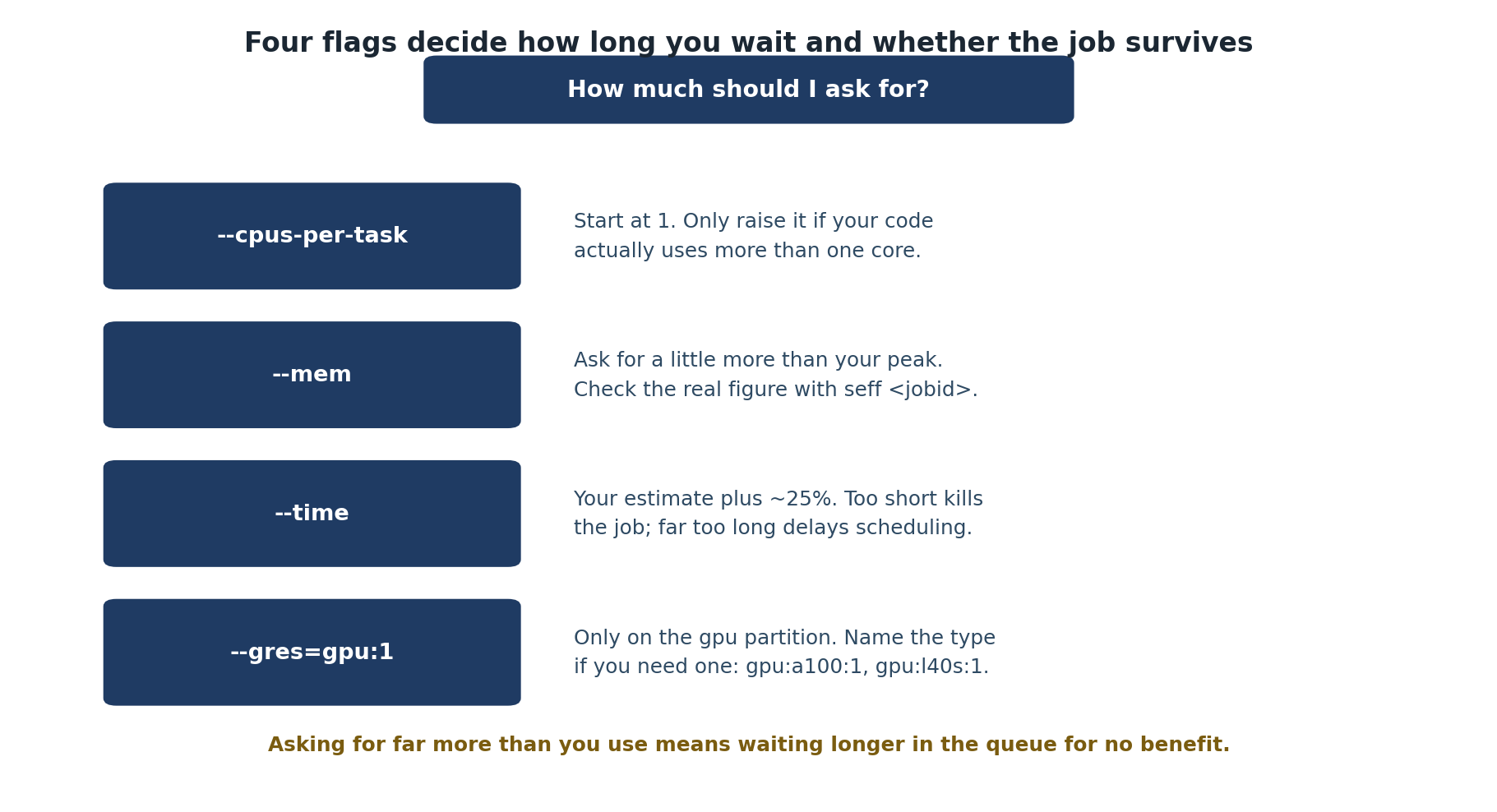
- Resource requests use SLURM flags:
-c(cores),--mem(memory),-t(time),--gres=gpu(GPUs) - Start conservative with estimates; monitor actual usage with
seffand adjust - Time format: HH:MM:SS or D-HH:MM:SS for longer jobs
- Use
/scratchfor fast temporary I/O during jobs; use/rhomeor/bigdatafor persistent results - Over-requesting wastes resources and makes other users wait longer